How it works
Just 4 steps — and your AI employee starts working for your clinic.
- 01
Discovery & configuration
First we learn your clinic — services, prices, FAQs and the questions clients ask most. Then we configure your AI employee and tailor it to your vertical.
- 02
Install the widget
Add one script tag or install our WordPress plugin. The widget appears on your site with your branding, in the visitor's language.
- 03
It works around the clock
Paisel consults visitors, qualifies leads, suggests practitioners and slots, books appointments and takes deposits — sending everything to your dashboard and Telegram.
- 04
You control the outcome
You see all activity, bookings and payments in one place. No complex setup or extra tools. Everything works with your existing stack.
Not just chat. A full AI receptionist.
Three generations of tools — one column that actually runs your front desk.
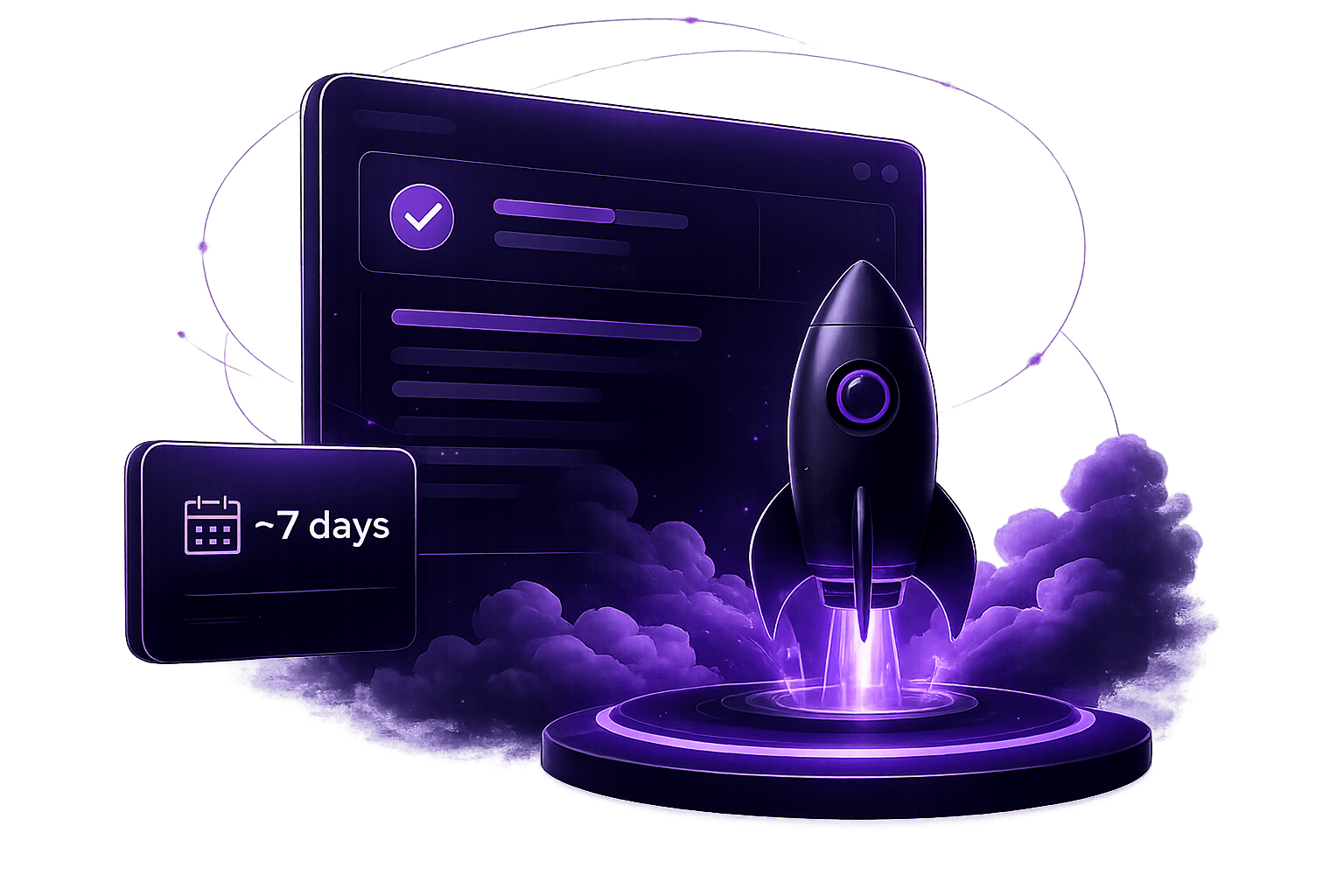
From consent to launch — about a week
Done-for-you setup. You review, we ship.
- Day 0
Kick-off call
A 30-minute call to capture your services, prices, FAQs and the questions clients ask most.
- Day 1–2
We configure your agent
We load your catalog, knowledge base and playbook, then tune the AI for your clinic and languages.
- Day 3
You review
You test the assistant on a private link and request changes to tone, content or appearance.
- Day 4–5
Installation & QA
We add the widget to your site and run a 10-scenario quality check before it goes live.
- Next
Works 24/7
You watch leads, chats and bookings arrive in your dashboard and Telegram — and edit content anytime.
Calculate your upside
See how many bookings and revenue you could capture with Paisel.
Open calculator